Build a useful list
Gather photos, videos, files, links, contact cards, calendar events, and other items you want people to find.
Lists for people nearby
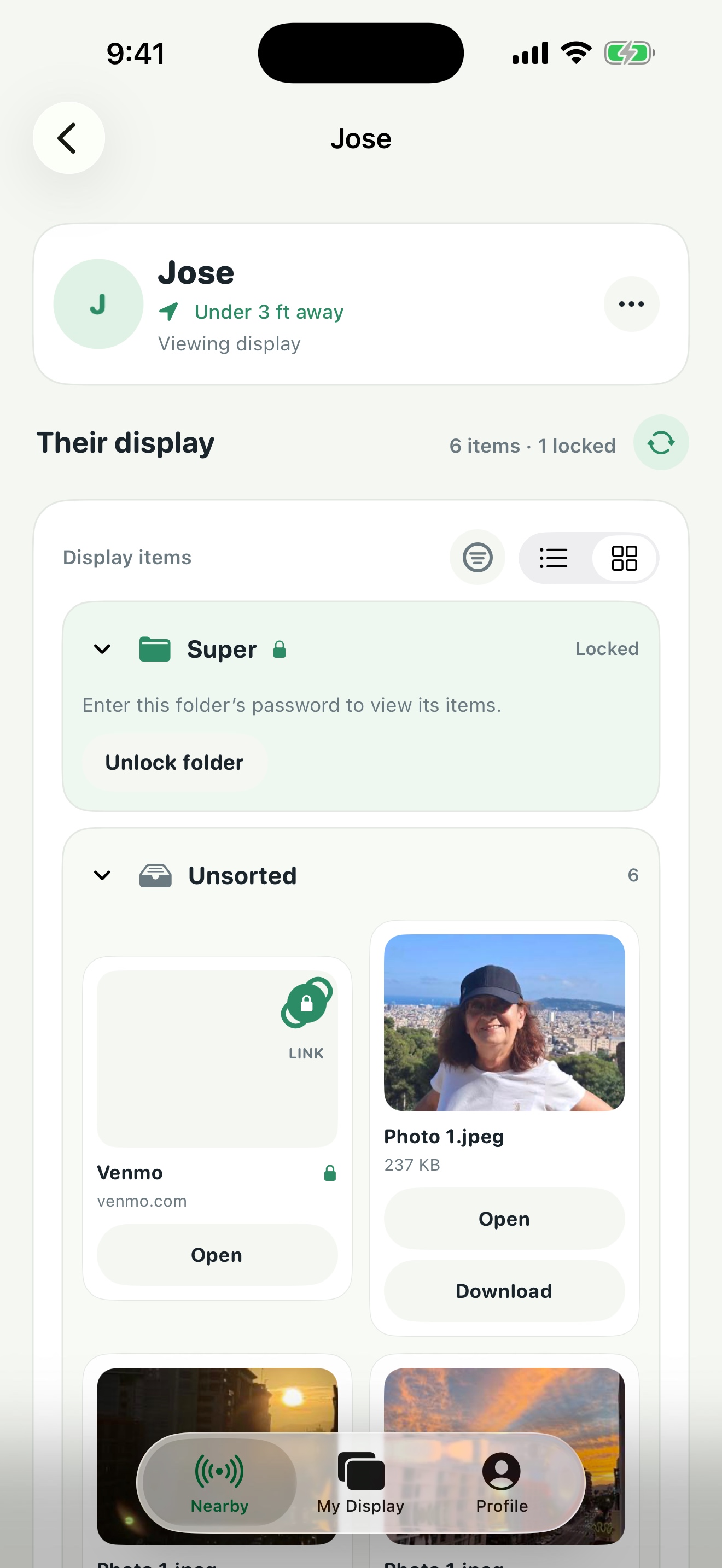
Keep useful links, photos, files, menus, samples, and more in a ready-to-browse list. People nearby choose what they want, without asking you to send items one person at a time.
Ready before they arrive
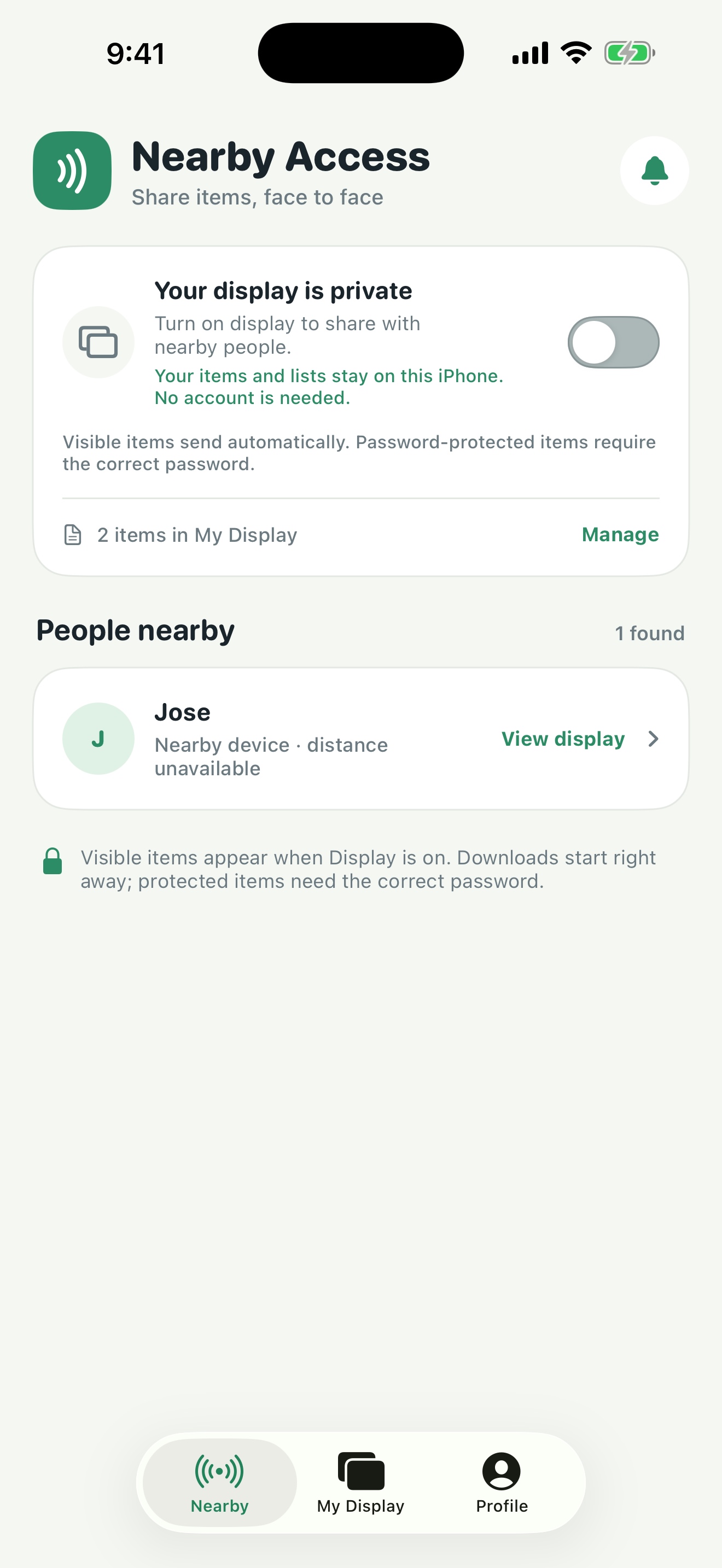
Create lists from items on your iPhone. When you turn on your display, people using Nearby Access nearby can choose what to open or save for themselves.
Gather photos, videos, files, links, contact cards, calendar events, and other items you want people to find.
Your display stays private while it is off. Turn it on when you’re ready for nearby people to browse.
Visitors browse the list on their own and open only what they want. You don’t need to pick recipients or manage each handoff.
A list for the work you do
Make a ready-to-share set of details once. People who are nearby can browse at their own pace and pick the items that matter to them.
Freelancer
Put a portfolio, service guide, and booking link in one place for prospective clients nearby.
Market vendor
Keep a menu, product details, and an order link ready while you serve the next customer.
Street musician
Share music, a tip link, and upcoming dates with anyone who pauses to listen.
Photographer
Make sample photos, session options, and booking details easy to find without interrupting a shoot.
Quick access
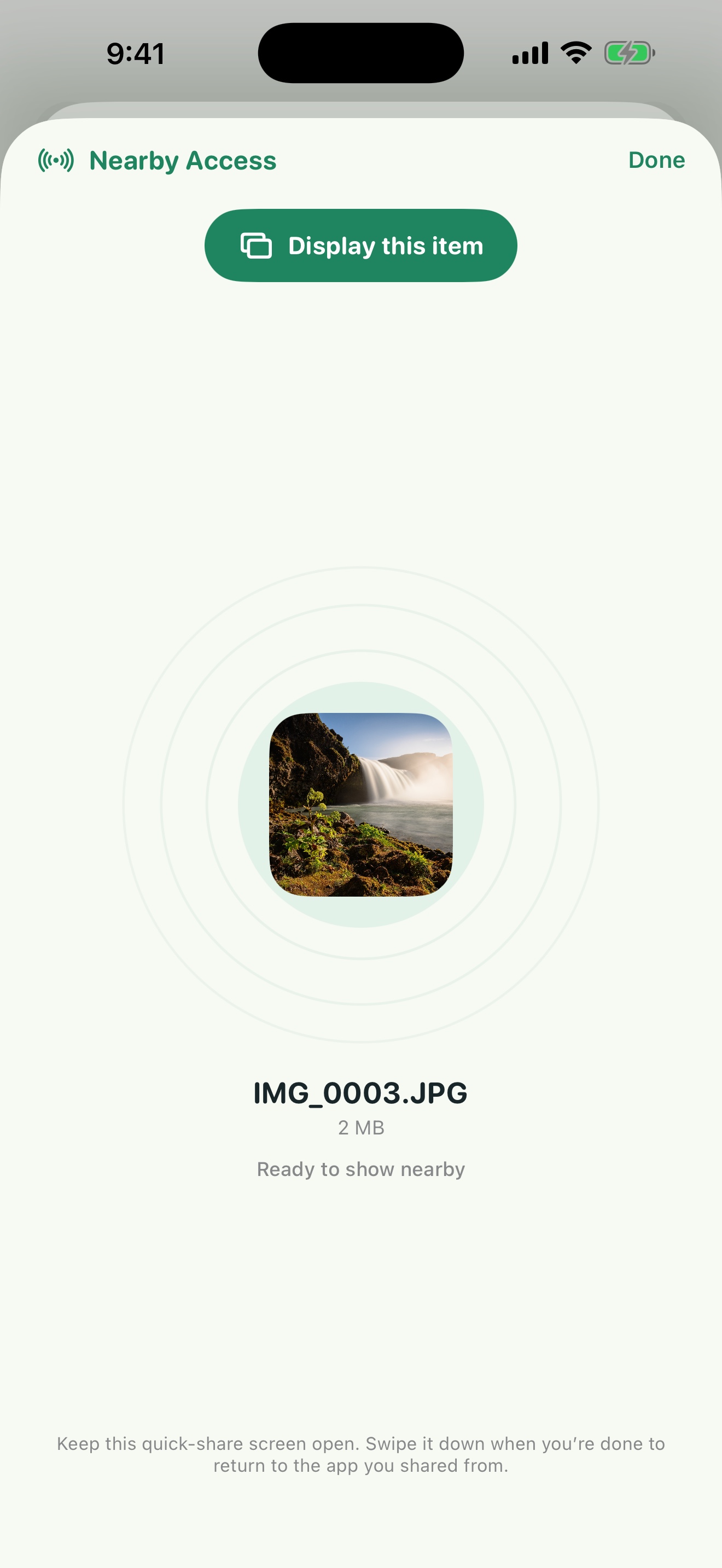
Already have a photo, file, or link open? Send it to your Nearby Access display from the iPhone Share Sheet.
Quick access adds what you selected to your nearby display without bringing in your whole library.
People nearby choose what they want to open, so you can stay with the person or work in front of you.
Your choice comes first
Nearby Access works without an account. Read how the app handles items, nearby connections, permissions, and device data.